
Foreign Trade Solution1 min read
SAP Export Management: Expense Entry from Excel
Learn how customs broker expenses and their invoices can be uploaded from Excel into SAP Export Management for automatic bulk posting.
ISIS SAP
Expense Entry from Excel
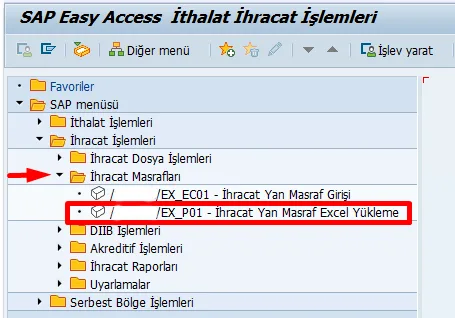
Expenses documented by the customs broker are entered into Excel together with their corresponding invoices. Uploading the Excel file through SAP Export Management creates the postings automatically.
This allows customs-related expenses to be posted in bulk, without entering each expense individually in SAP.
#ihracat#sap