
Overview
The ISIS Foreign Trade Package supports the definition and management of import and export processes. It is designed to accommodate regulatory changes, with custom development available to reflect customer requirements in the software.
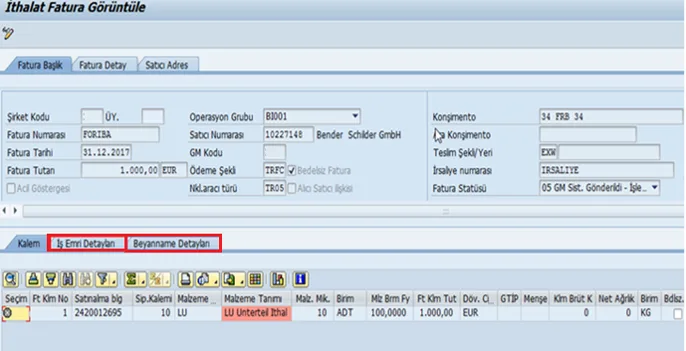
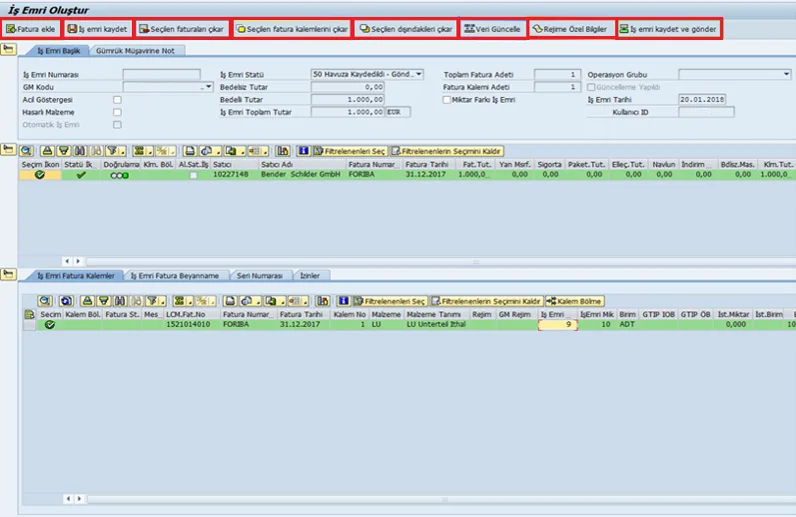
Customs processes are managed from one screen, simplifying operational tracking and supporting the calculation and reporting of customs duties and other costs. Customs and logistics are considered together to improve compliance, preserve established working practices and reduce process costs.
Integrations
The solution includes a package for manually handling transactions with authorities and intermediaries, as well as an integration package for connecting those processes. Previous foreign trade projects have included integrations with customs brokers, the customs ministry, other SAP systems and non-SAP systems.
Import process functions
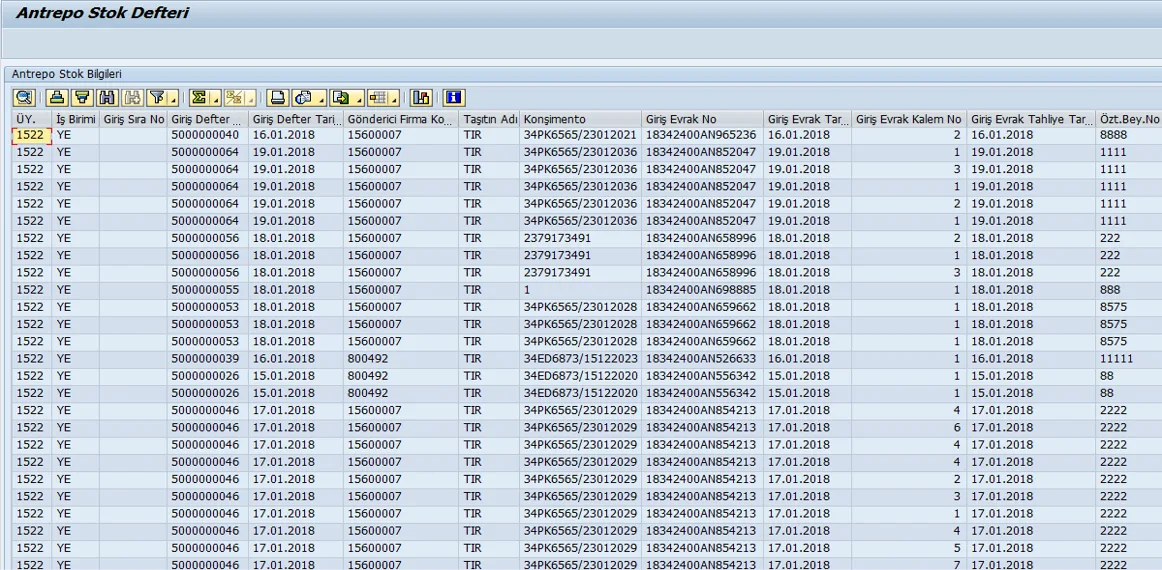
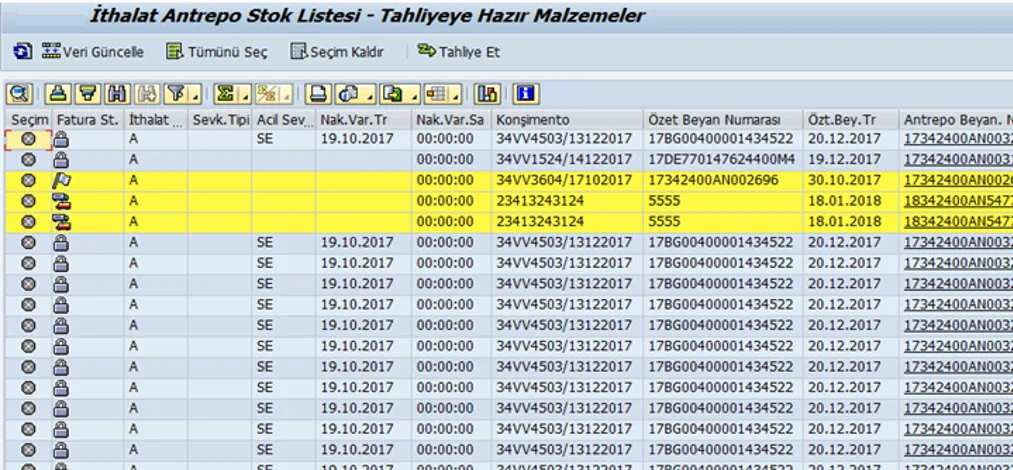
- Track bonded warehouse and customs inventory.
- Track integrated procurement incidental costs.
- Plan material requirements in two stages: withdrawal and purchasing.
- Track documents for customs clearance and withdrawal procedures.
- Transfer data electronically.
- Monitor cash flow using parked goods invoices.
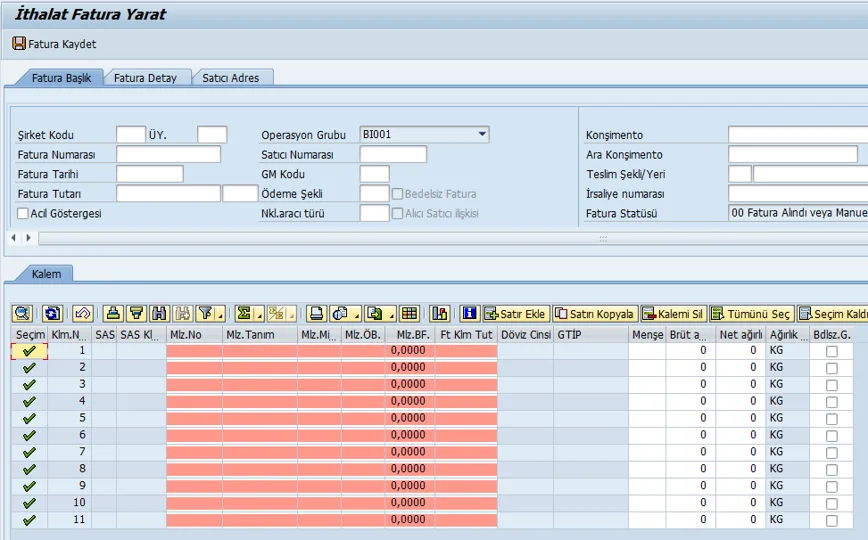
- Enter import costs into the system without delay.
- Track advance payments.
- Allocate exchange rate differences to material costs.
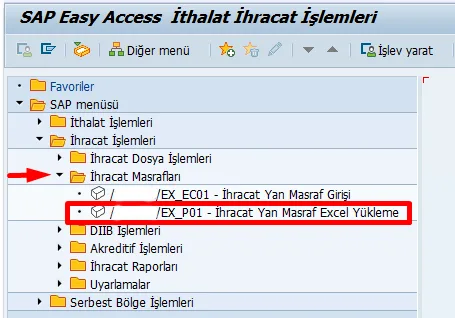
- Enter costs in bulk using Excel.
Import reports
The import solution provides detailed reports with access to current information.
- Open purchase orders.
- Import status.
- Goods in transit.
- Customs inventory.
- Goods invoices.
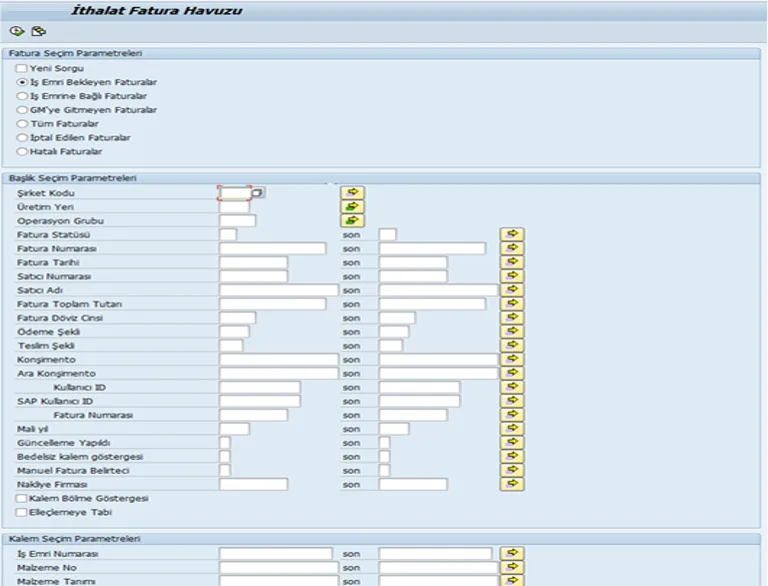
- Invoice pool.
- Planned withdrawal documents.
- Actual imports.
- Import incidental costs.
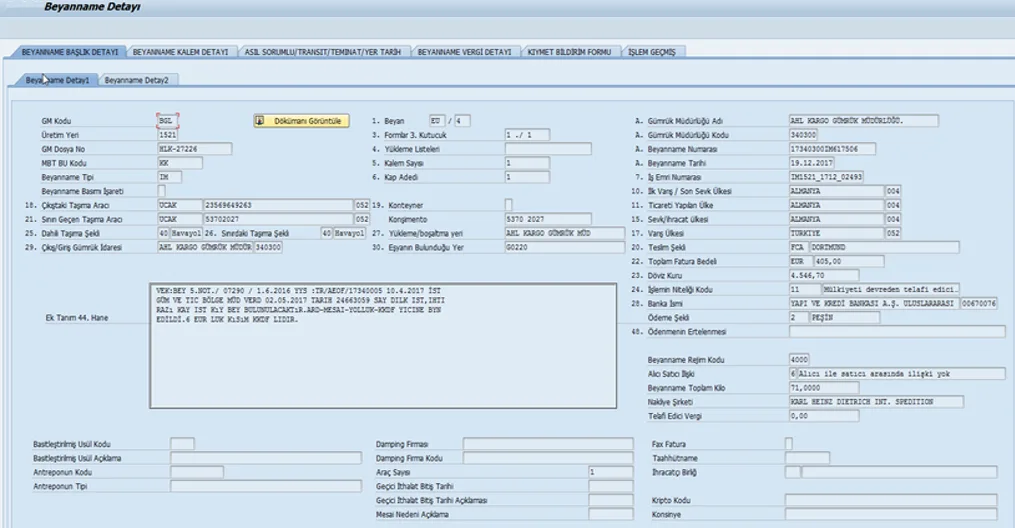
- Customs declaration list.
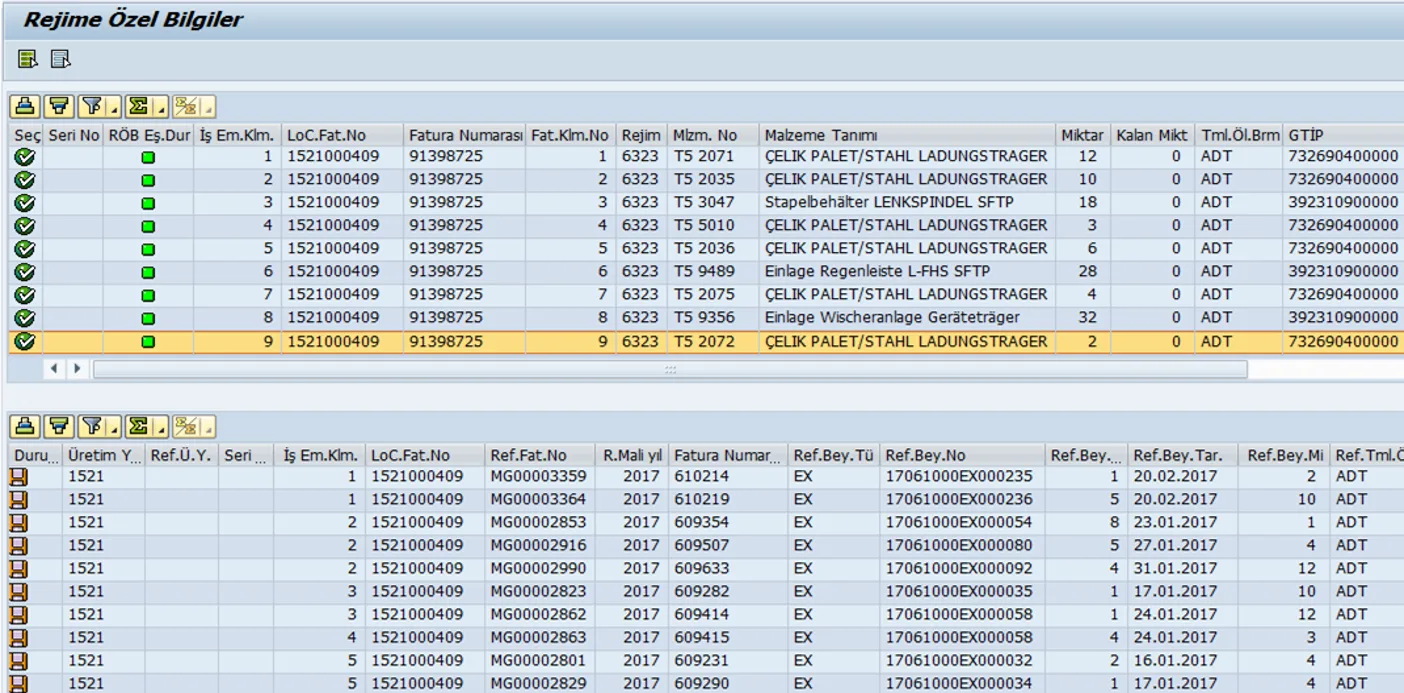
- Import inward processing authorization certificate (DİİB) report.
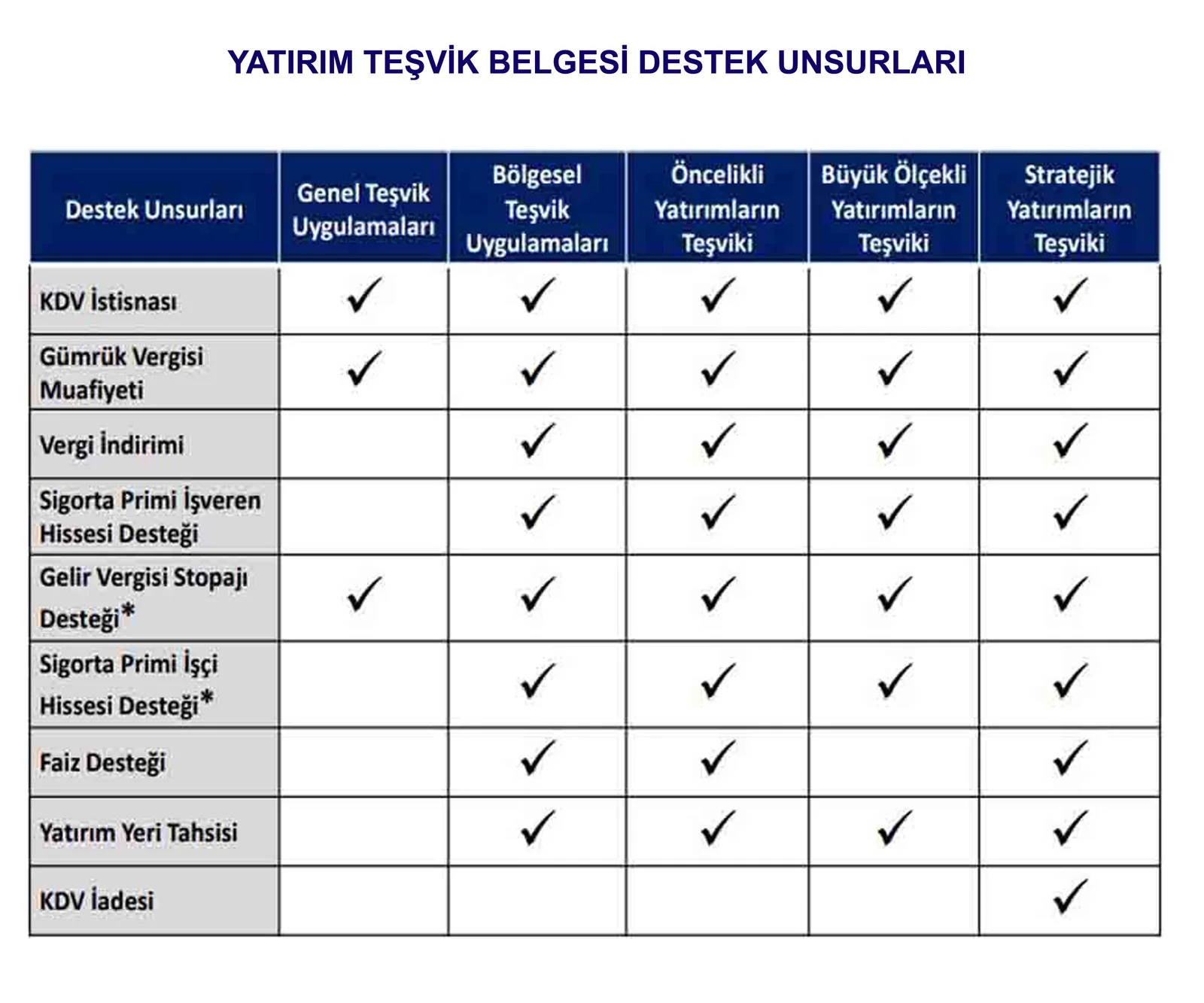
- Investment incentive information.
- Reman permits report.
- Temporary imports.
Export process functions
- Sales transactions.
- Export file management.
- Export document outputs.
- Collection tracking by export file.
Export files and documents
Invoices sent to the e-export system are listed and an export file is created to generate the reference number to be shared with the customs broker. Files can be reported at both header and item level from a single screen.
The export file corresponds to the customs declaration number. Files containing multiple invoices can be tracked under one number. The file reference is used to generate documents such as English-language invoices, bill of lading instructions and movement certificates.
Once the export customs declaration has been imported into the system, invoices and debit notes received from the customs broker are posted to the required accounting accounts, avoiding manual entry. Recorded costs are tracked by export file.
The solution reports differences between invoice exchange rates and the rates on the export completion date. Letters of credit associated with an export file can also be reported by file. Temporary exports linked to imports are tracked. Where integration is in place, work order instructions are sent to the customs broker automatically.
Export reports
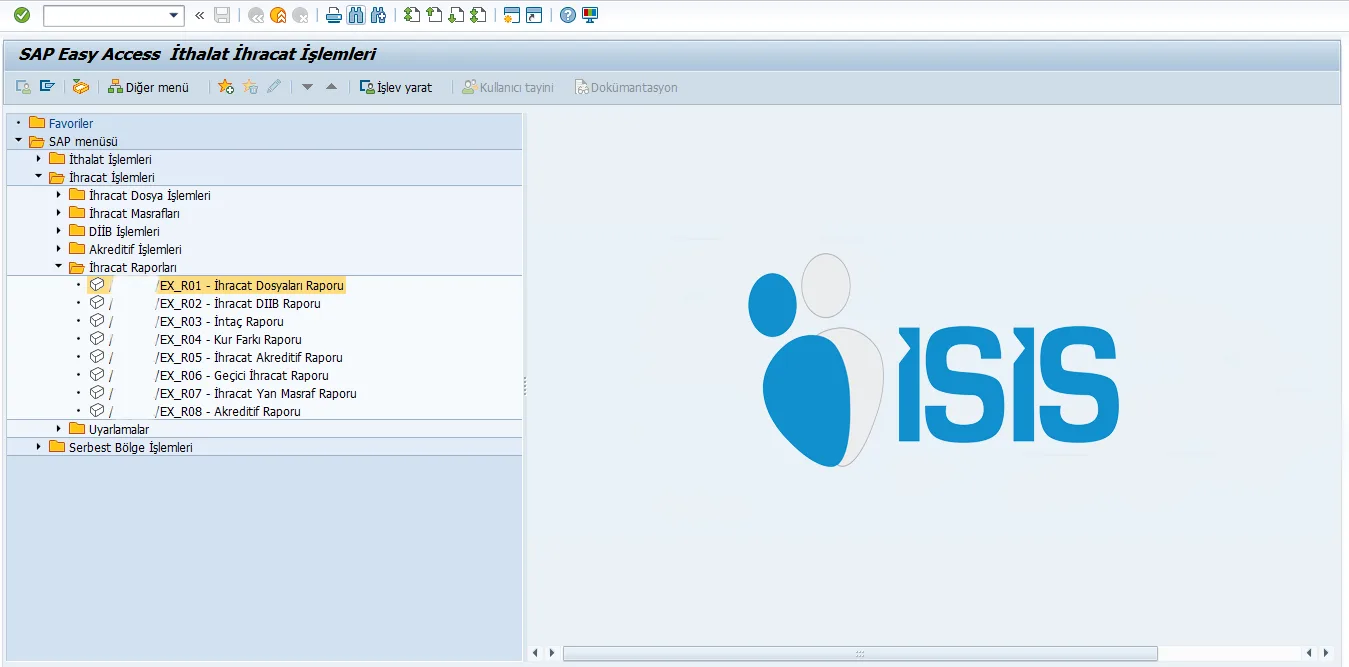
- Export files.
- Export inward processing authorization certificate (DİİB) report.
- Export completion.
- Exchange rate differences.
- Export letters of credit.
- Temporary exports.
- Export incidental costs.